ClickUp 101: Master the Basics
About Course
Welcome to ClickUp 101
Welcome to ClickUp 101 — your practical introduction to ClickUp and the fundamentals you need to start managing your work more efficiently.
Whether you’re completely new to ClickUp, moving from another project management tool, or already using ClickUp but feel like you’re only scratching the surface, this course will help you understand how ClickUp works and how to build a solid foundation for your team.
ClickUp can do a lot — but you don’t need to learn everything at once.
In this course, we’ll focus on the essential concepts, features, and workflows you need to confidently navigate ClickUp and organize your work.
What You’ll Learn
By the end of this course, you’ll understand:
- How ClickUp is structured and how Workspaces, Spaces, Folders, Lists, and Tasks fit together
- How to create and organize tasks effectively
- How to use statuses, priorities, assignees, due dates, and custom fields
- How to choose the right ClickUp views for different types of work
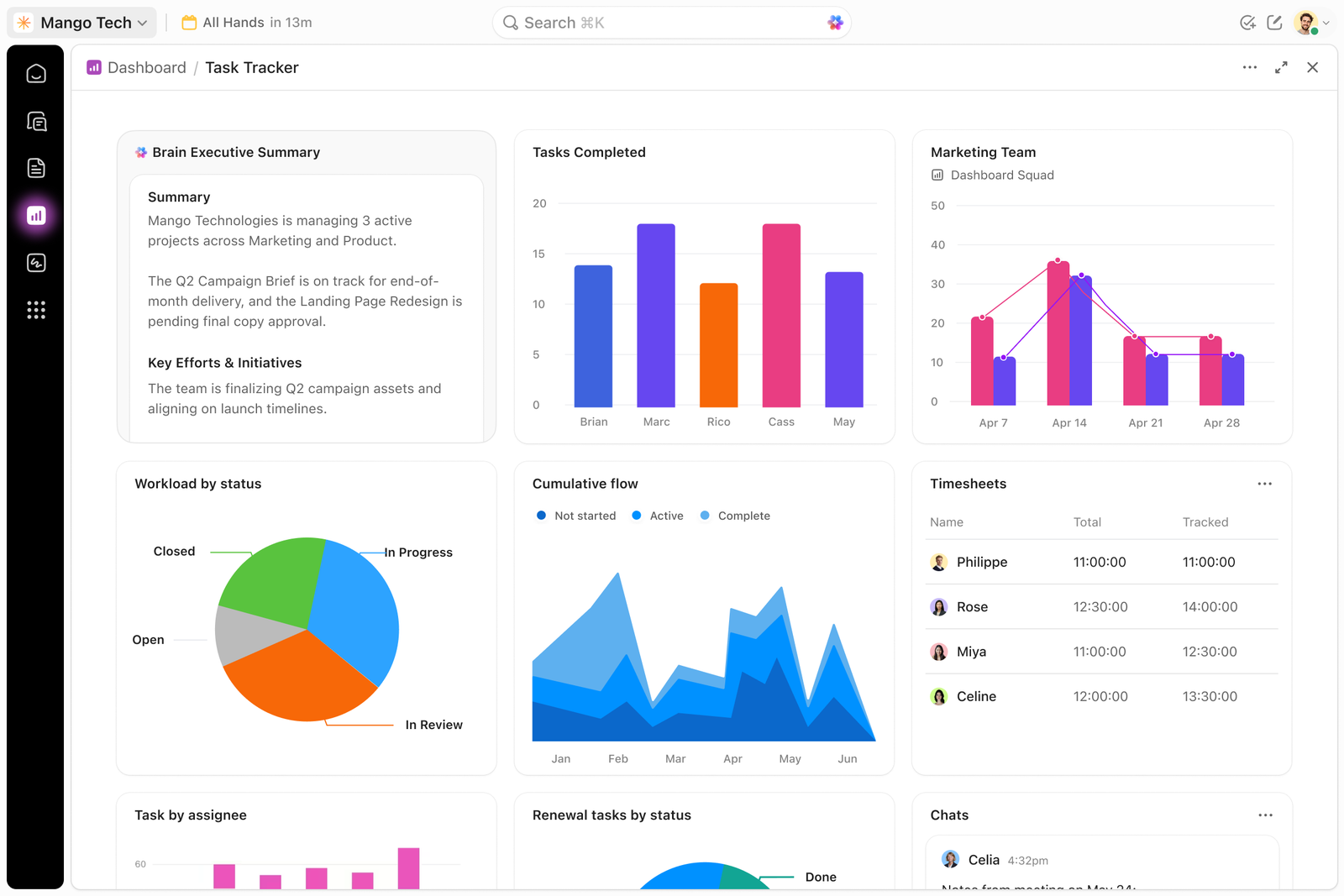
- How to use Docs, Dashboards, Goals, and other essential ClickUp features
- How to collaborate with your team inside ClickUp
- How to create a simple, organized workflow
- How to avoid common mistakes that make ClickUp unnecessarily complicated
- How to build a foundation that can later be expanded with automations, integrations, and advanced workflows
ClickUp Is More Than a Task Manager
One of the biggest mistakes teams make is treating ClickUp simply as a place to create tasks.
ClickUp can become your organization’s single source of truth — a central system where your team can plan, execute, collaborate, track progress, and report on work.
But a powerful system starts with a simple and well-organized foundation.
That’s exactly what ClickUp 101 is designed to help you build.
Who Is This Course For?
This course is ideal for:
ClickUp Beginners
You’ve just started using ClickUp and want to understand the fundamentals.
Teams Adopting ClickUp
Your organization is implementing ClickUp and you want everyone to understand the same basic structure and terminology.
Existing ClickUp Users
You’ve been using ClickUp for a while but still feel unsure about how different features and levels of the hierarchy work together.
Business Owners & Managers
You want to understand ClickUp well enough to organize your business operations and create better visibility across your team.
Our Approach
We believe ClickUp should simplify your work, not create more work.
So throughout this course, we’ll focus on practical use rather than simply explaining features.
You’ll learn:
Understand → Organize → Execute → Improve
First, we’ll understand how ClickUp works.
Then, we’ll organize your workspace correctly.
Next, we’ll use ClickUp to manage real work.
Finally, we’ll show you how this foundation can be expanded into a more powerful business system.
By the end of ClickUp 101, you’ll have the knowledge and confidence to start using ClickUp effectively — and a strong foundation for moving into more advanced ClickUp workflows.
Let’s Get Started
Don’t worry about learning everything in ClickUp.
You don’t need to.
Start with the fundamentals, build good habits, and gradually turn ClickUp into a system that works for you and your team.
Let’s get started with ClickUp 101.
Course Content
Intro to ClickUp
-
What is ClickUp
00:00 -
Why ClickUp?
00:00